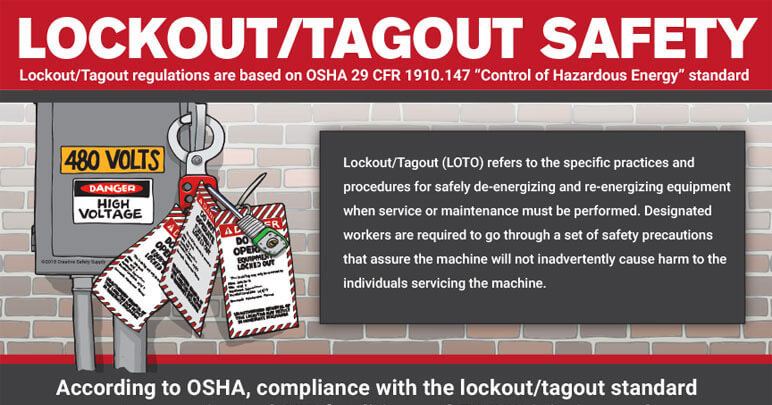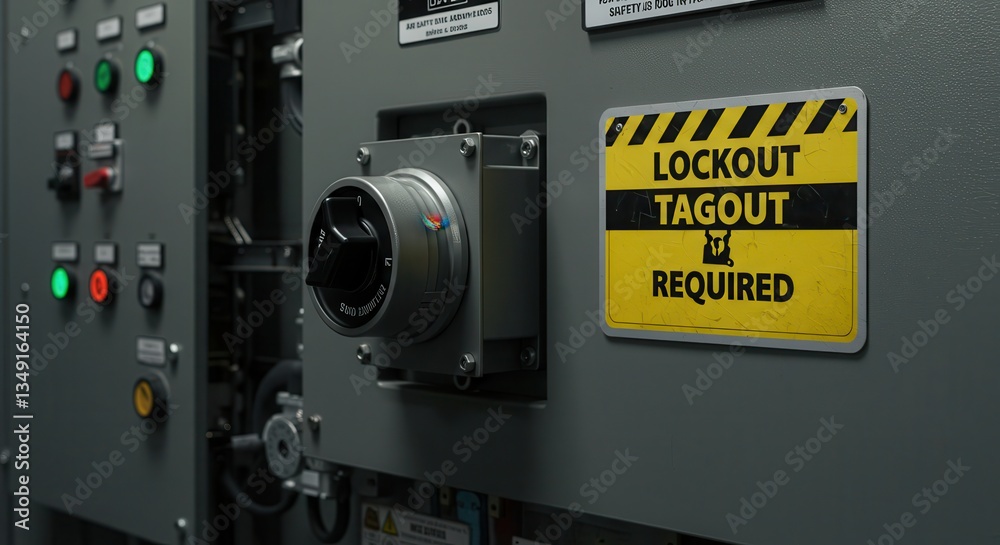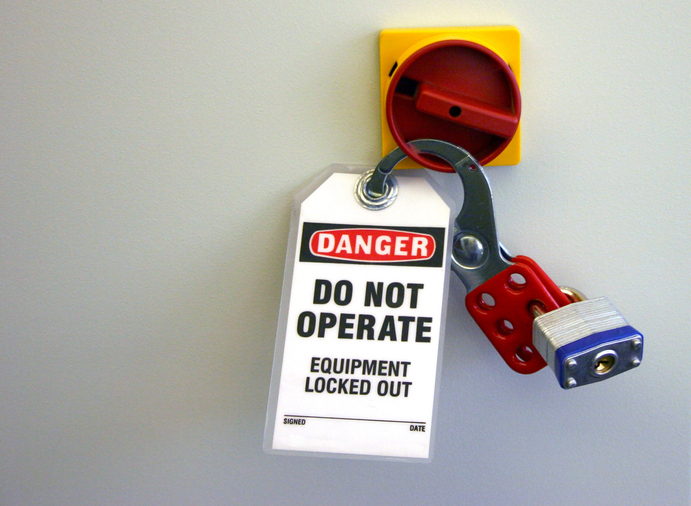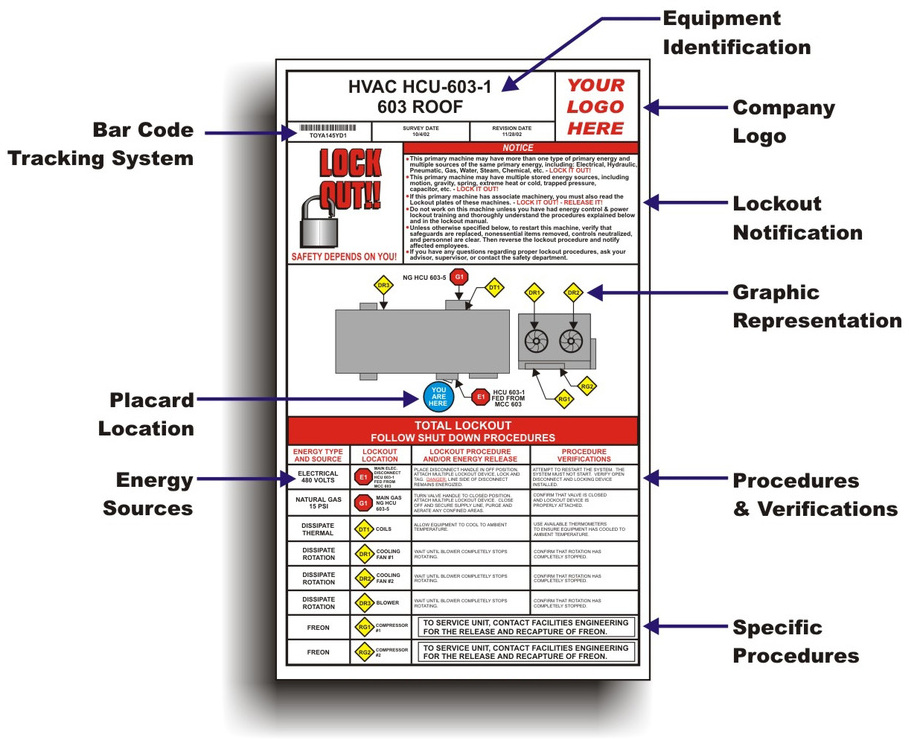
Every industrial injury tied to unexpected machine startup traces back to one failure: incomplete or missing documentation. The lockout tagout documentation form isn’t just paperwork—it’s a legal, operational, and safety necessity. When a technician services equipment, this form becomes the final checkpoint that confirms all hazardous energy sources are isolated. And yet, too many facilities rely on outdated templates, vague checklists, or no form at all.
A proper lockout tagout documentation form standardizes the shutdown process, verifies accountability, and provides a defensible record for audits. Whether you’re managing a single production line or dozens of sites, skipping this step exposes your team and your business to avoidable risk.
Why a Standardized Form Is Non-Negotiable Without a consistent lockout tagout documentation form, procedures become situational. One technician might lock out three energy sources; another might miss a secondary hydraulic line. The form eliminates guesswork by forcing explicit verification.
OSHA 1910.147 requires that each authorized employee verify the isolation of zero energy before beginning service. The documentation form proves that verification occurred. It’s not about creating bureaucracy—it’s about creating proof.
Consider this scenario: A maintenance crew disables a conveyor system. They lock the main electrical disconnect but fail to account for stored pneumatic pressure. The form, if properly designed, would list both electrical and pneumatic sources as required isolation points. If unchecked, the technician can’t proceed. That’s the power of structured documentation.
Core Components of an Effective LOTO Form
A strong lockout tagout documentation form doesn’t just list steps—it enforces them. Below are the essential sections every form should include:
1. Equipment Identification Exact machine name, tag number, and location. Avoid generic labels like “Pump A.” Use asset IDs tied to your maintenance system. This prevents confusion during multi-team operations.
2. Authorized Personnel Names and roles of employees performing the lockout. Include signatures. This creates individual accountability—critical during incident investigations.
3. Energy Source Inventory A checklist of all applicable energy types:
- Electrical
- Hydraulic
- Pneumatic
- Mechanical
- Chemical
- Thermal
Each must be explicitly confirmed as isolated.
4. Lock and Tag Placement Log A table listing:
- Type of lock (hasp, valve lock, circuit breaker lock)
- Location of lock
- Employee ID applying the lock
- Time applied
This allows supervisors to audit compliance in real time.
5. Verification of Zero Energy A signed statement that the equipment was tested (e.g., attempted startup, pressure gauge check). This is where many forms fail—verification is assumed, not confirmed.
6. Duration and Clearance Planned start and end times, plus a clearance section signed by all involved parties before re-energization.
7. Emergency Override Protocol A brief note explaining procedures if the form must be bypassed due to life-threatening conditions. OSHA permits emergency re-energization, but only under strict conditions.
Common Mistakes That Undermine LOTO Documentation
Even facilities with forms often render them useless through poor execution. Here are real-world flaws that compromise safety:
- Using generic templates – A one-size-fits-all form for all equipment ignores unique energy profiles. A CNC machine has different risks than a boiler system.
- Allowing blank or partial forms – Incomplete documentation is non-compliant documentation. If a section isn’t applicable, it must be marked “N/A,” not left blank.
- No review process – Forms tucked into binders and forgotten defeat their purpose. Supervisors must review every completed form weekly.
- Digital forms without access controls – If anyone can edit or delete a digital LOTO record, the integrity collapses. Use systems with audit trails.
- Failing to update after equipment changes – A machine retrofit introduces new energy sources. The form must reflect that—old versions should be archived, not reused.
When Paper Isn’t Enough: Digital LOTO Documentation
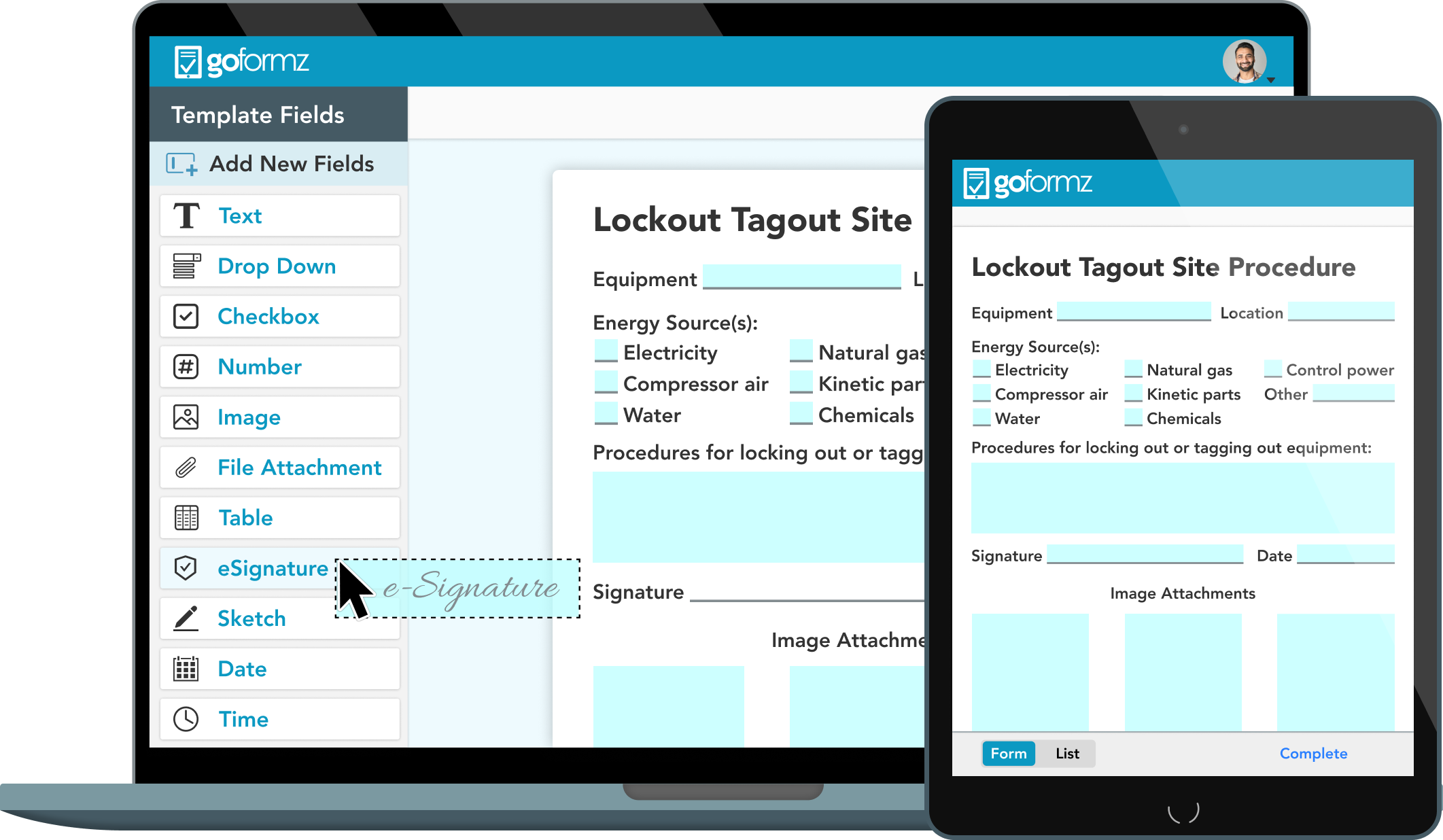
While paper forms are still widely used, digital lockout tagout systems are gaining traction—especially in facilities with rotating shifts or complex maintenance schedules.
Digital forms offer: - Real-time sign-off via mobile devices - GPS and time-stamped entries - Integration with CMMS (Computerized Maintenance Management Systems) - Automated alerts if a lock isn’t removed on schedule
But digitization brings its own risks. If the system crashes or Wi-Fi fails, technicians must have a paper backup. The goal isn’t to eliminate paper—it’s to enhance reliability.
One Midwest manufacturing plant reduced LOTO errors by 68% after switching to a tablet-based system with mandatory photo uploads of each lock. Visual proof made audits faster and compliance more transparent.
How to Build a LOTO Form That Actually Works
Start with a site-specific risk assessment. Walk through each machine in its operational, shutdown, and maintenance states. Identify every energy source, including stored energy (springs, capacitors, elevated loads).
Then, draft the form using the components listed above. Pilot it with two maintenance teams for one week. Collect feedback: - Was any section unclear? - Did it slow down the process unnecessarily? - Were any critical steps missing?
Revise based on real use, not assumptions.
Once finalized, train all authorized employees on the form—not just how to fill it out, but why each section matters. Use near-miss stories to reinforce consequences.
Finally, audit randomly. Pull five completed forms per month and trace them back to the actual lockout event. Were locks in place? Were verifications performed? This isn’t about catching mistakes—it’s about reinforcing culture.
Top 5 LOTO Documentation Tools and Platforms For teams ready to move beyond paper, these platforms offer structured digital solutions:
- Dakota Alert LOTO Pro
- - Cloud-based form builder with OSHA-aligned templates
- - Mobile app with offline mode
- - Audit trail and supervisor notifications
- - Best for: Mid-sized manufacturers
- iAuditor by SafetyCulture
- - Highly customizable LOTO checklists
- - Photo and voice note integration
- - Real-time reporting dashboard
- - Best for: Multi-site operations
- FACILITRACK LOTO Module
- - Integrated with facility maintenance workflows
- - Barcode scanning for equipment ID
- - Compliance export for OSHA audits
- - Best for: Large industrial plants
- Lockout-Tagout Manager (LOTO-M)
- - Designed specifically for energy control
- - Supports group lockout scenarios
- - Automated form version control
- - Best for: Complex or high-risk environments
- EHS Insight
- - Full EHS platform with dedicated LOTO module
- - Risk scoring based on form data
- - Incident linkage for root cause analysis
- - Best for: Enterprise safety programs
Each tool reduces human error, but none replace proper training. Technology supports process—it doesn’t substitute for it.
Real-World Use Case: Preventing a Catastrophe
A food processing plant in Oregon avoided a potential fatality thanks to a well-executed LOTO form. A technician was clearing a jam in a slicer that used both electric motors and compressed air. The form listed both energy sources. During verification, he noticed the air pressure gauge hadn’t dropped to zero. He reopened the bleed valve, releasing residual pressure that could have caused the blade to lurch when powered back on.
The form didn’t stop the hazard—it enabled the discovery. That’s the difference between compliance and true safety.
Closing the Loop: From Form to Culture
A lockout tagout documentation form is only as strong as the system behind it. It should be reviewed annually, updated after incidents, and treated as a living document. Post it near equipment. Reference it in safety meetings. Reward teams that complete it flawlessly.
The goal isn’t just to check a regulatory box. It’s to create a workplace where no one assumes energy is off—they prove it.
Start today: Pull your current LOTO form. Walk through it on a live machine. If it doesn’t capture every risk, rebuild it. Your team’s safety depends on what’s on that page.
FAQ
What should be included in a lockout tagout documentation form? A complete form includes equipment ID, authorized personnel, energy source checklist, lock placement log, zero-energy verification, and clearance signatures.
Is a lockout tagout form required by OSHA? Yes, OSHA 1910.147 requires documented procedures and proof of employee training and verification—forms serve as that proof.
Can digital forms replace paper LOTO documentation? Yes, as long as they are secure, tamper-proof, and accessible during maintenance. Digital systems must maintain audit trails.
Who is responsible for filling out the LOTO form? The authorized employee performing the servicing or maintenance must complete and sign the form.
How long should completed LOTO forms be kept? At minimum, one year. However, best practice is to retain them for the life of the equipment or until the next audit cycle.
Should every employee sign the form during group lockout? Yes, each authorized employee applying a lock must sign, ensuring individual accountability.
Can a LOTO form be reused for the same equipment? No. Each maintenance event requires a new form. Reusing forms risks outdated or inaccurate information.
FAQ
What should you look for in Lockout Tagout Documentation Form Essentials? Focus on relevance, practical value, and how well the solution matches real user intent.
Is Lockout Tagout Documentation Form Essentials suitable for beginners? That depends on the workflow, but a clear step-by-step approach usually makes it easier to start.
How do you compare options around Lockout Tagout Documentation Form Essentials? Compare features, trust signals, limitations, pricing, and ease of implementation.
What mistakes should you avoid? Avoid generic choices, weak validation, and decisions based only on marketing claims.
What is the next best step? Shortlist the most relevant options, validate them quickly, and refine from real-world results.